Install or Update the System
After booting from the USB, you will use commands to install or update the TechLit OS on the computer’s internal drive.
For Mini Computers (<20GB Storage)
This guide is for standard computers. If your computer is a small “Mini” device (with less than 32GB space), you must follow the Mini Computer Guide instead. Using this standard guide will fail.
1. Identify the Internal Drive
Run this command to see all the storage drives connected to your computer:
lsblkHow to find it: Look for the main drive, which is usually much larger than your USB drive. Common names are
/dev/sda,/dev/nvme0n1, or/dev/mmcblk0. This will be your ** Target Drive **.
2. Choose Your Action
Choose one of the two actions below.
Option A:
Provisioning
a New Computer (tl-hw-prepare)
Use this command for a new computer or to completely wipe and reinstall an existing one.
Caution
This command will permanently erase all data on the target drive.
# Replace /dev/sdX with your drive and tl-xxxx with the tag
tl-hw-prepare /dev/sdX tl-xxxx
Option B: Update Existing System (tl-hw-update-desktop)
Use this command to update an existing TechLit computer without wiping its data.
# Replace /dev/sdX with your drive
tl-hw-update-desktop /dev/sdX
3. Finish & Reboot
Once the script finishes, you will see a success message.
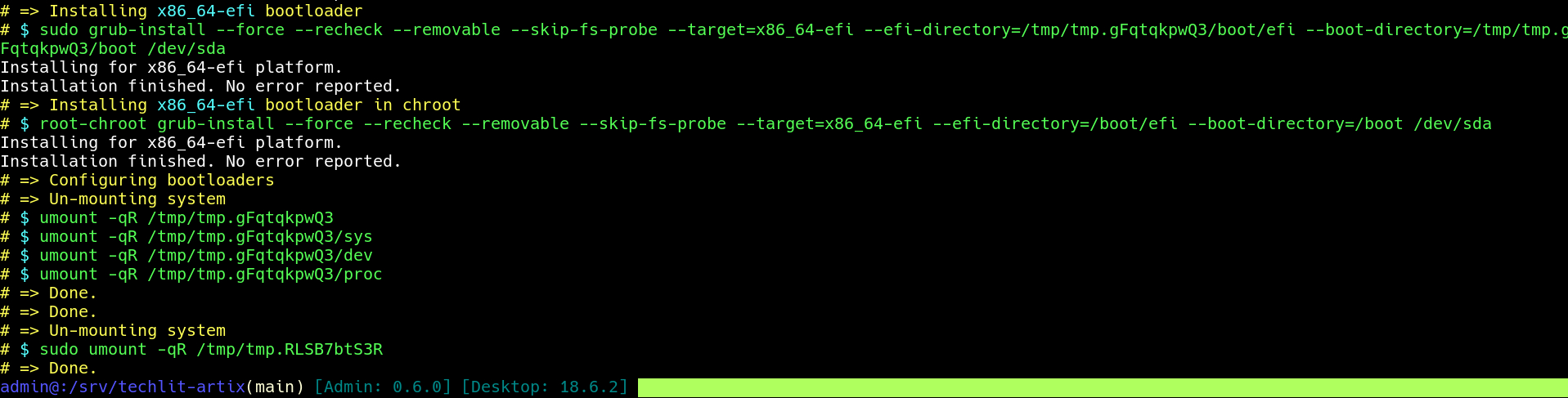
Simply reboot the computer by typing reboot and pressing Enter.
Note
Unplug the USB drive immediately after the computer restarts to prevent it from booting back into the installer.
Examples
-
Install on a computer with drive
/dev/nvme0n1and tagtl-0606:tl-hw-prepare /dev/nvme0n1 tl-0606 -
Install and set the Wi-Fi name at the same time:
WIFI_NAME="TechLit Emacs" tl-hw-prepare /dev/nvme0n1 tl-0606 -
Update a computer with drive
/dev/sda:tl-hw-update-desktop /dev/sda -
Update to a specific version on the USB:
tl-hw-update-desktop /dev/sda 23.1.1